Overview#
QtDraw is 3D drawing tool especially for molecules and crystals based on PyVista and PySide6. The main window and available objects looks like the following.
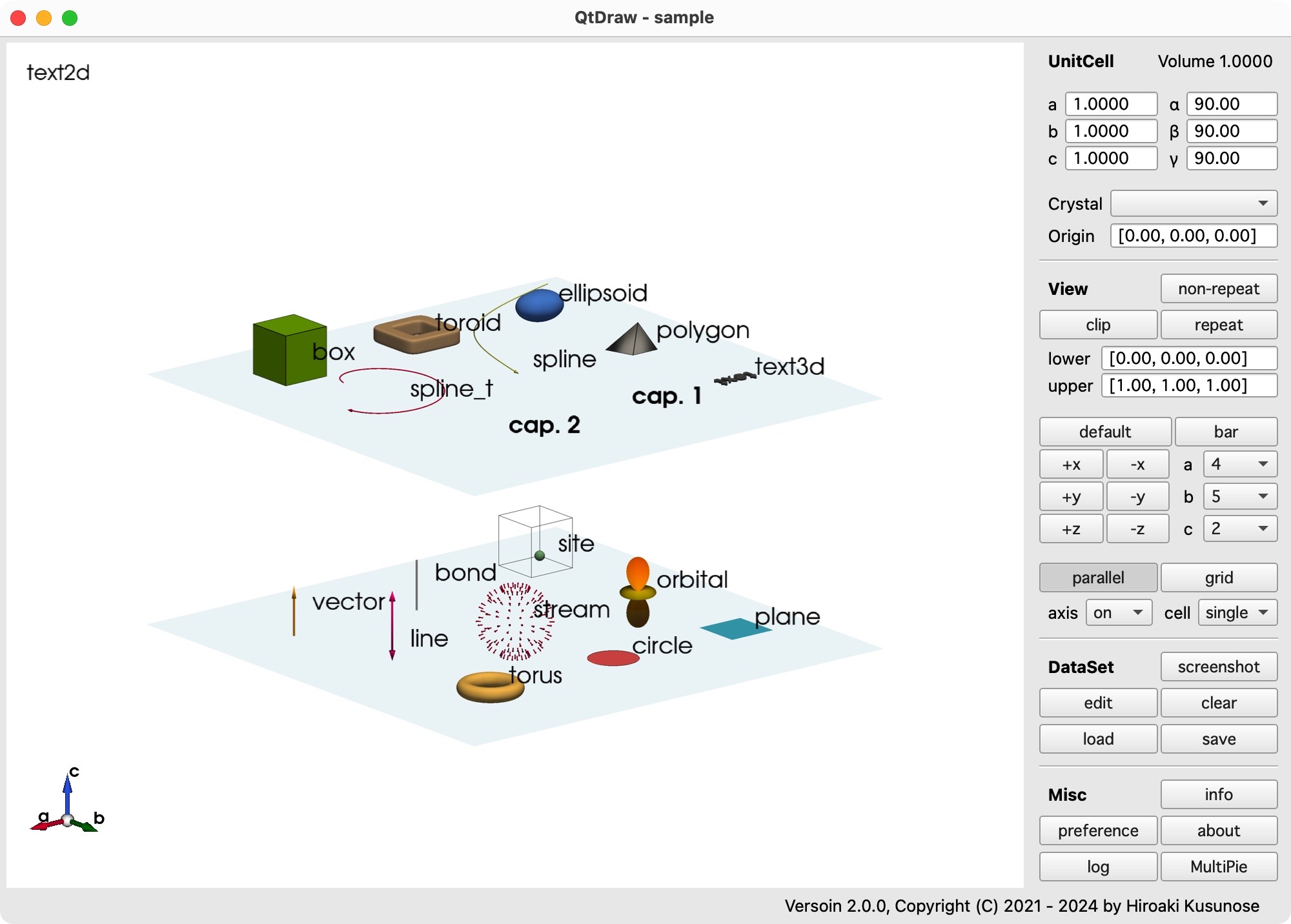
All objects can be modified by GUI in the Dataset window.

All objectes are located at the position + cell in the fractional coordinate of the crystal system with the origin, which allows us to repeat the drawn objects just by pushing repeat button.
By non-repeat button, the repeated objects can be converted to those at the same position with the home cell, i.e., cell=[0,0,0].
By installing the Pyhton package, MultiPie, which provides the various crystallographic symmetry operations and symmetry-adapted multipole basis (SAMB) construction, object drawing in QtDraw is also associated by the symmetry operation and the SAMB.
To use this functionality, after installing MultiPie, push MultiPie button in the bottom right.
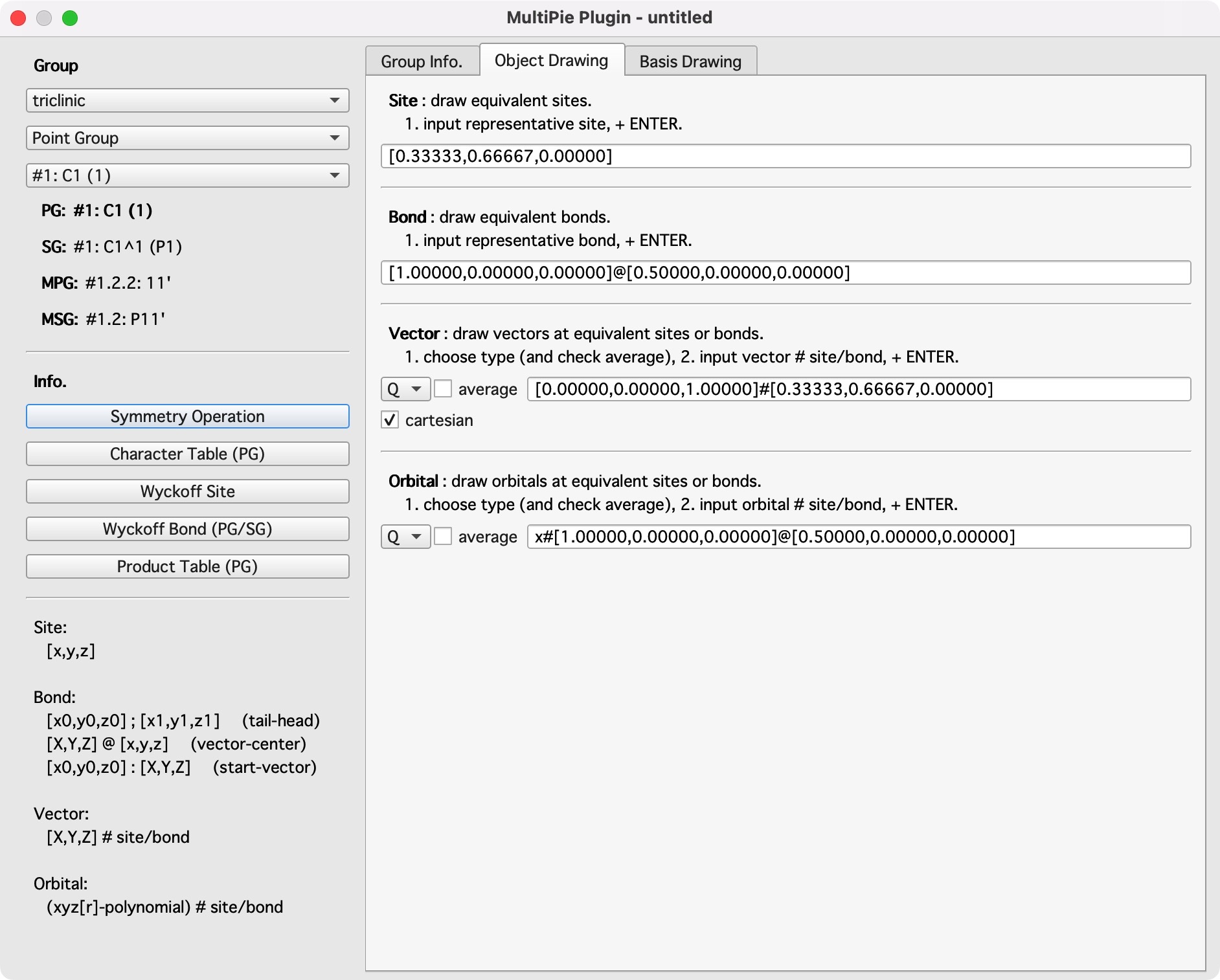
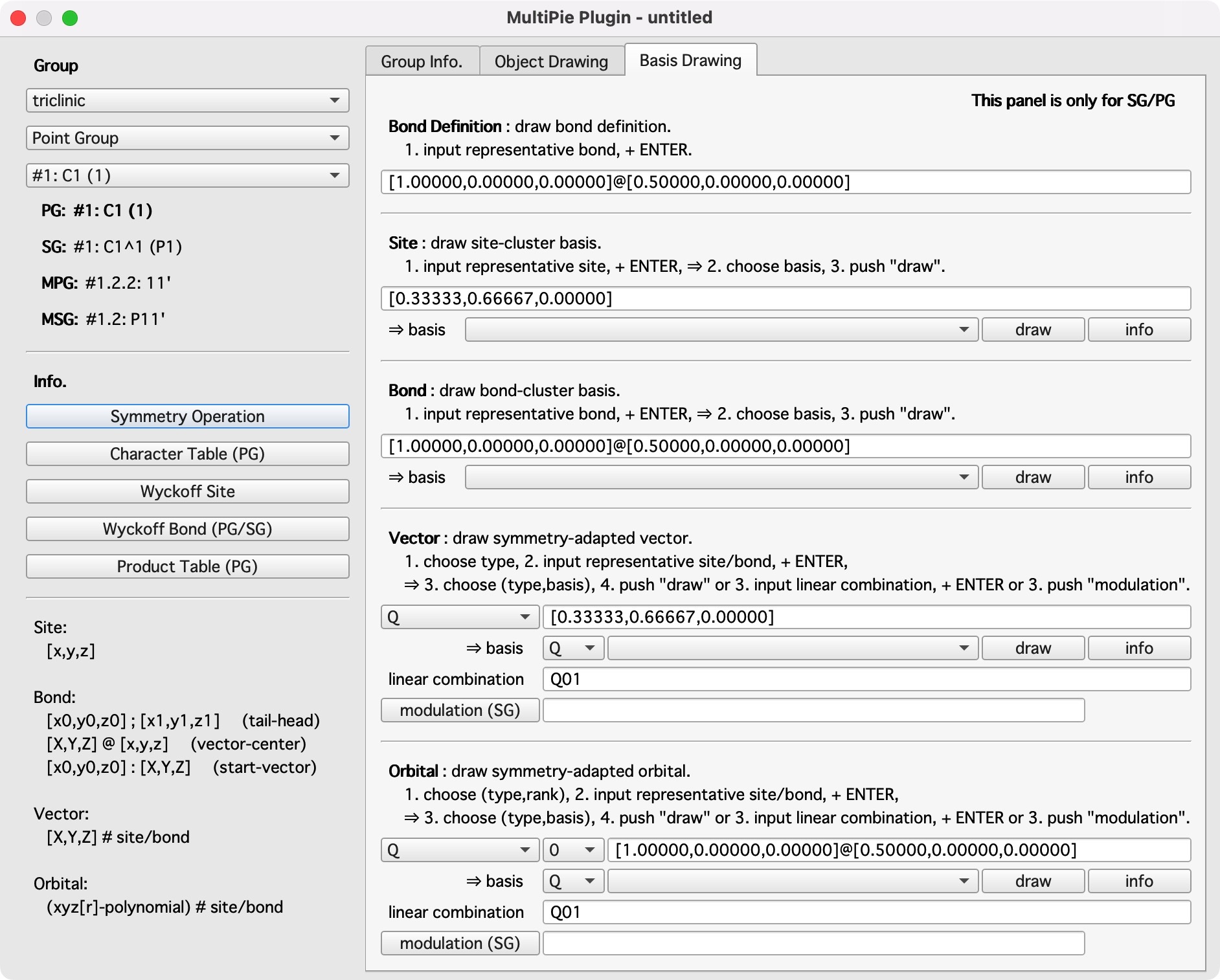
The additional window for MultiPie plug-in is shown, which consists of three panels:
Group Info.
show various group information.
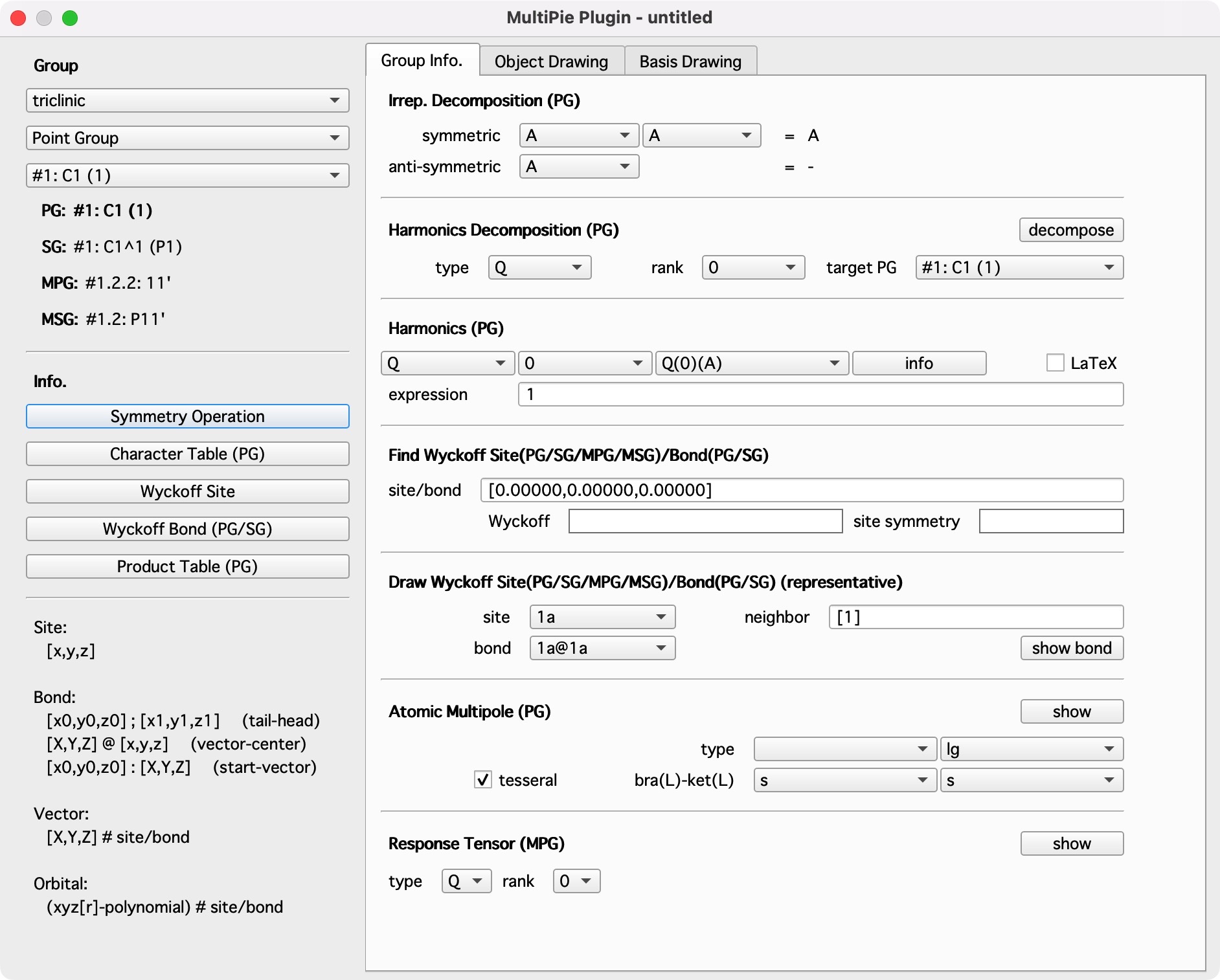
Object Drawing
draw objects by given symmetry operations.
Basis Drawing
draw SAMB object (with modulation over multiple cells)
A practical tutorial of MultiPie via QtDraw is given by Tutorial via QtDraw
For the API, please refer to the following:
Core module core modules for end users.
Summary for various modules for implementation purpose.